
Solution / Chorus
One Portal,The Whole System
The menu
Ten modules, one log-in
Think of each module as a tool in a toolbox: they work together, and each has one job. This is the menu in the order it appears.
Your command centre. See every screen on the network, control what it shows, and schedule automatic actions.
Design signage layouts and playlists: video, images, web pages and live TV on one screen.
- 03
Playout
Daily useTake any video, image or signage file and broadcast it as a live channel across the whole network.
- 04
Encore
Record any channel on the network to a file. Schedule recordings or capture programmes from the EPG.
The head end: physical inputs such as DVB-T, SDI and HDMI, and outputs such as multicast, SRT, HLS and WebRTC for web pages.
- 06
Channels
The EPG your viewers see. Add third-party streams and decide which screens may see which channels.
- 07
Filestore
Daily useThe media library. Upload, organise and manage every video, image and signage file.
- 08
Users
Add colleagues, set their permissions and manage passwords. Works with corporate single sign-on.
- 09
Appliances
Your on-site servers: online or offline, and how the load is balanced across them.
- 10
Activation
Register a new decoding device or appliance with the code it shows on screen.
Day to day, most people need only Conductor, Symphony, Playout and the Filestore. Vivo, Appliances and Activation are set up once by an administrator and rarely revisited.
How it is built
A portal in the browser, appliances on site
The management lives in the cloud. The video never has to.
In the browser
- Chorus is entirely web-based: log in from any computer, tablet or phone, nothing to install
- Your own address, such as yourcompany.chorus.streamvue.net
- Single sign-on with Microsoft Active Directory, LDAP or SAML, so the login screen can disappear altogether
- Files live in the Chorus cloud and are cached on your appliances
On site
- StreamVue appliances encode, multicast and cache on your premises
- Playout spreads channels across appliances; if one fails, its channels move to the others with no viewer disruption
- Maestro detects system components and offers automatic configuration, so a replacement appliance adopts the settings of the one it replaces
- A customer-owned NAS can extend storage for very large libraries
On the screen
- Ovation runs on on-chip TVs, IP decoding devices, Raspberry Pi and Linux players, and as a desktop client
- If the internet drops, screens keep playing: streams and cached files come from the local network
- AES-encrypted multicast for secure environments: only authorised Ovation clients can decode it
- Channels are announced with SAP, so a tool such as VLC on the same network segment can list them
Content on the network
Playout, Encore and the Filestore
Getting a file onto the network as a channel, recording a channel back to a file, and the library both of them use.
Module
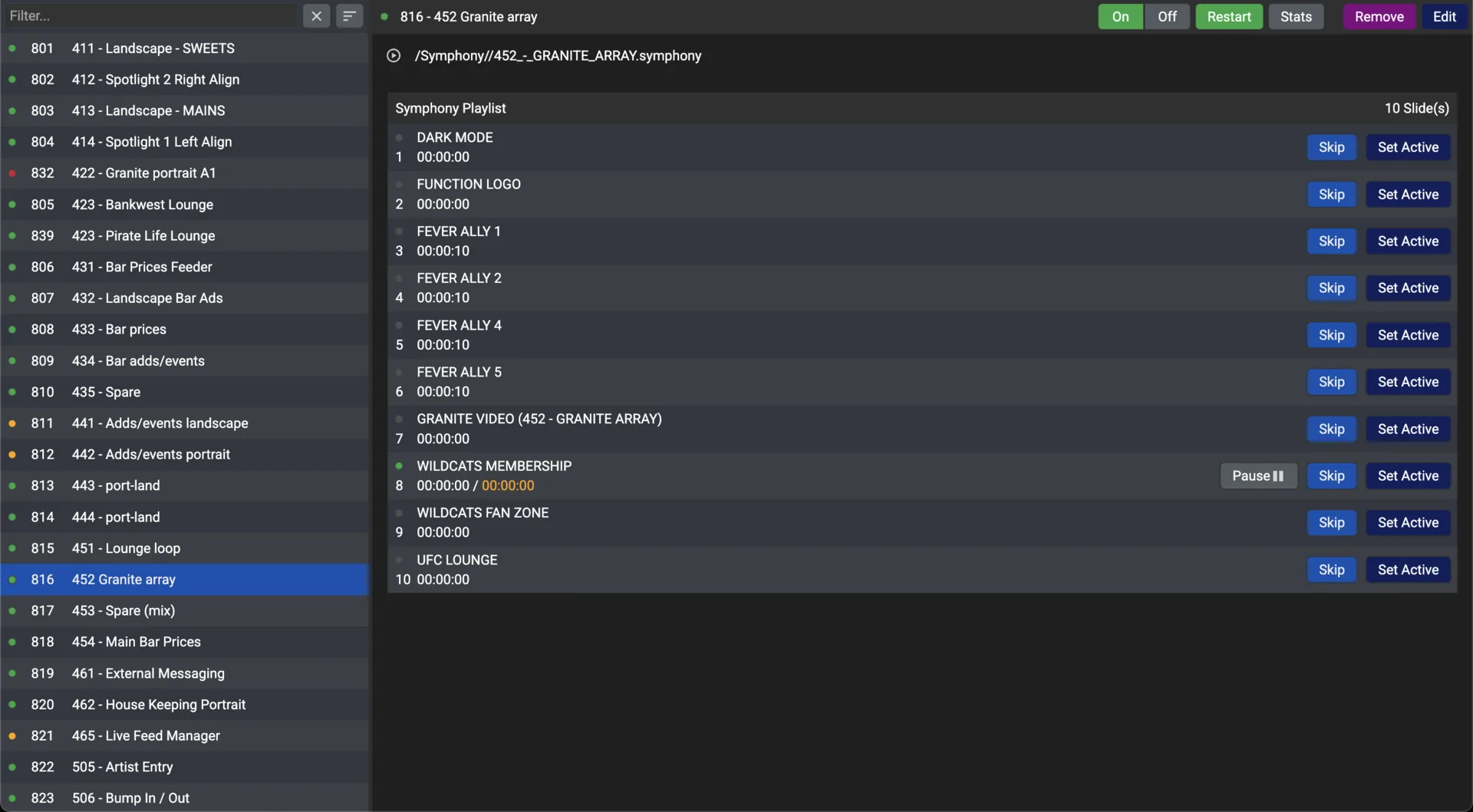
Playout
- Upload an MP4, PNG, JPG or .symphony playlist, name it, and it is allocated a channel number and starts broadcasting
- One multicast stream, whether ten screens or ten thousand are tuned in, and every screen shows the same frame at the same moment
- Channels are balanced across your appliances and migrate automatically if one goes offline
Module
Encore
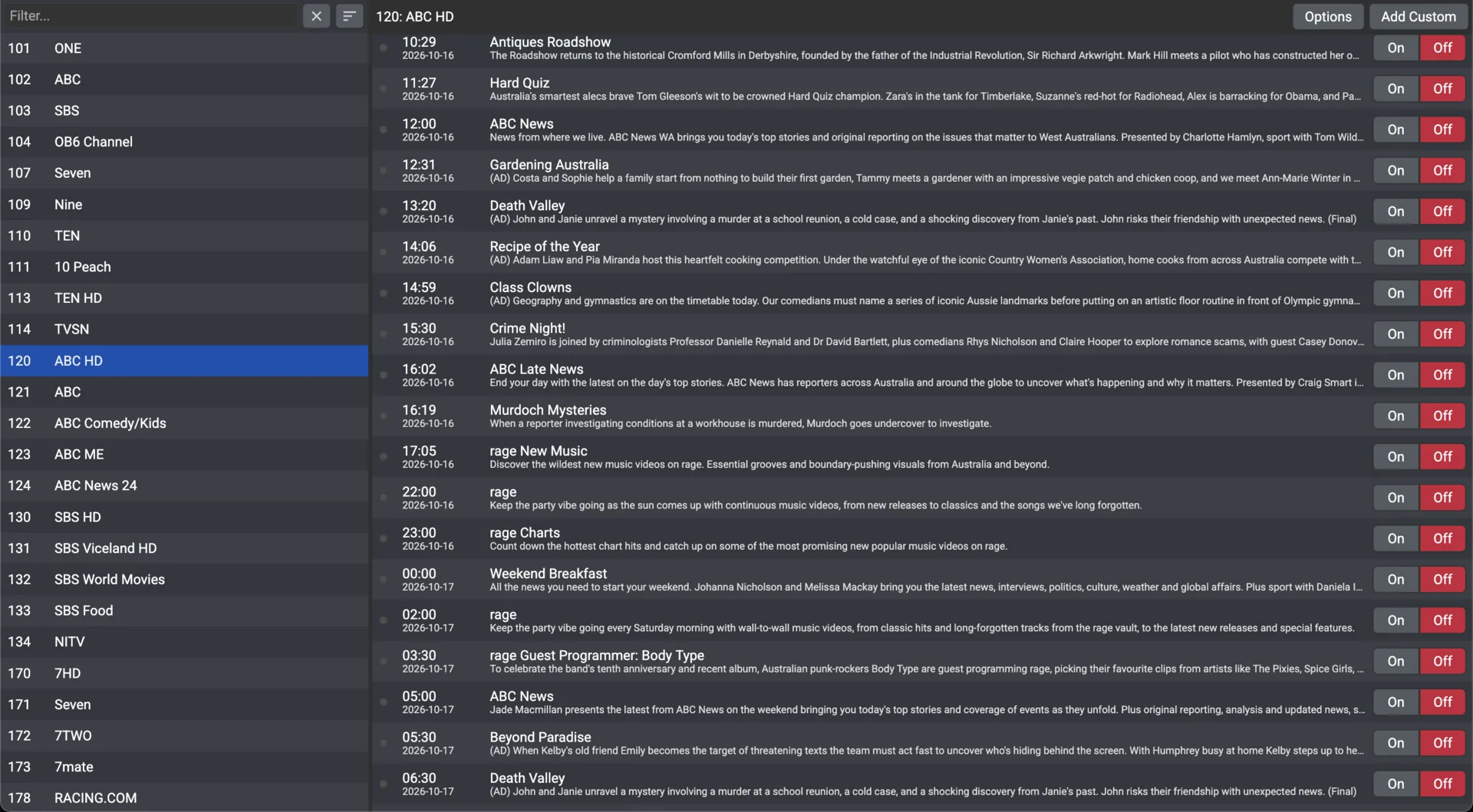
- Record any channel to a file by time range, by programme from the EPG, or continuously
- Time-shifted channels: a rolling buffer re-broadcast five or ten minutes behind live
- Recordings land in the Filestore with their metadata, ready for playback, signage or a compliance archive
Module
Filestore
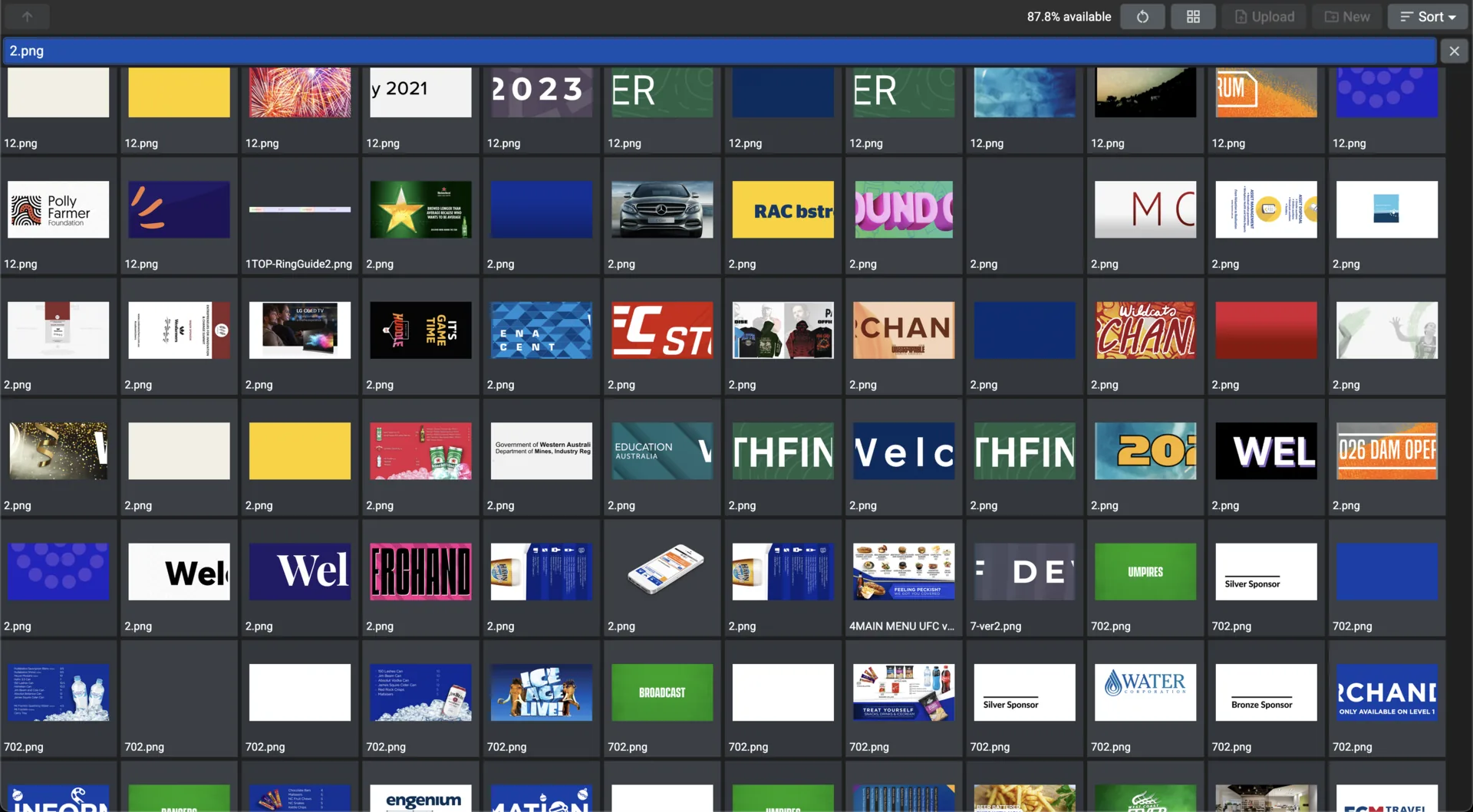
- Every video, image, PDF and Symphony file in one library, organised in folders
- Stored in the Chorus cloud and cached on your appliances, so playback carries on without the internet
- Upload a file with the same name to replace it everywhere it is used, in every playlist and channel
Set up once
Channels, Users, Appliances, Activation
The administrator's modules. Tags do most of the work: a tag on a screen, a channel or a user decides what each may see.
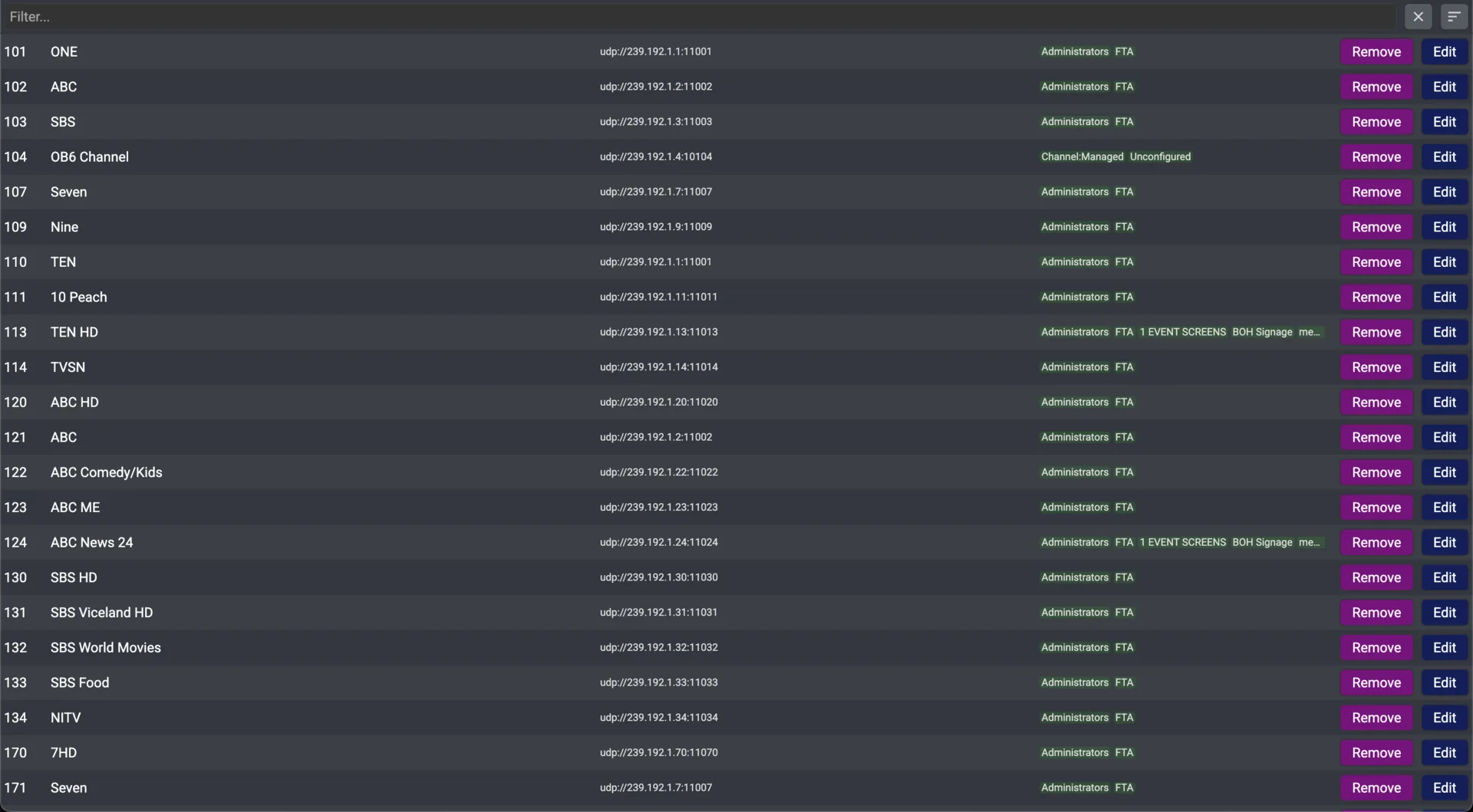
Channels
- Name, enabled, shortcut number, tags and multicast address for every channel
- Add a third-party encoder on a known multicast address as a channel
- A channel appears on a screen’s guide when the two share a tag
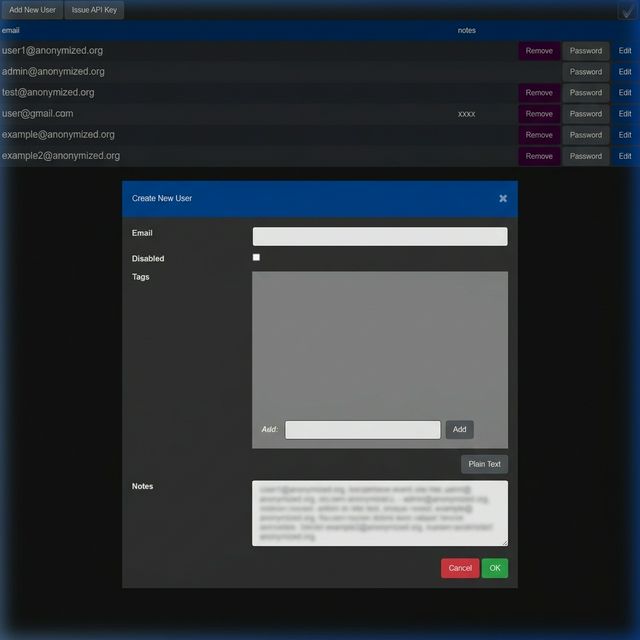
Users
- One account per person, so every change can be traced
- "Permission:Admin" for full access, "Permission:Viewer" for read-only, or a location tag to limit a user to one site
- Single sign-on through your corporate identity provider
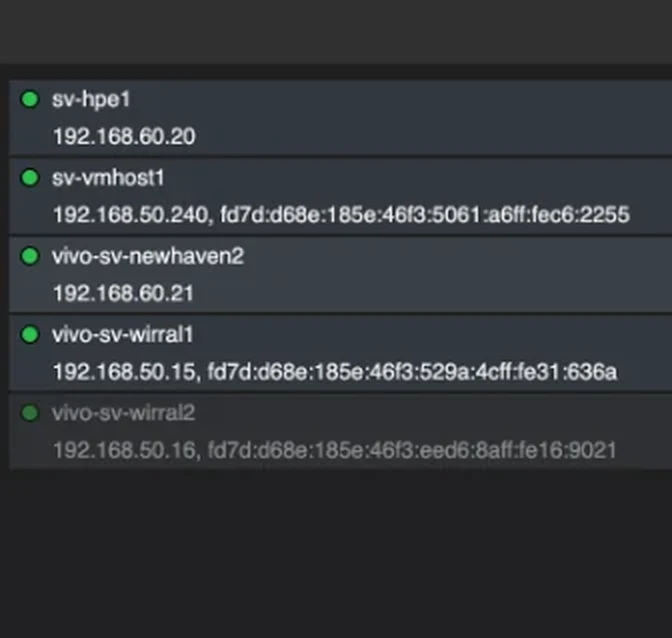
Appliances
- Each on-site server with its status, IP address and current load
- New Playout channels go to the least busy appliance automatically
- An appliance going offline raises an alert and its channels are redistributed
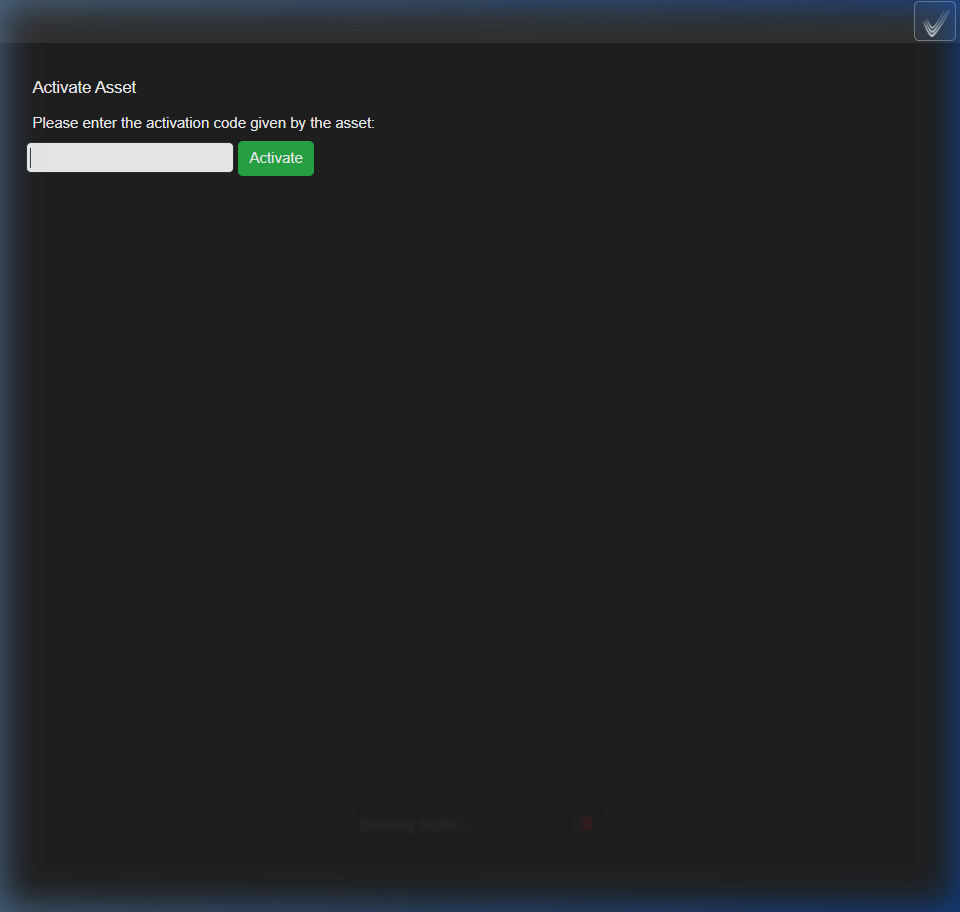
Activation
- A new device shows a six-digit code; enter it here, name the device, assign a location
- The device then appears in Conductor, ready to control
- Use the identity screen afterwards to label a room of new TVs in one walk-round
Open by design
Every button is an API call
The portal itself uses the Chorus REST API. There is no private back end, so anything you can do on screen, another system can do for you.
What customers wire up
- 01A fire-alarm panel switches every screen, or the screens of one fire zone, to evacuation signage in under a second
- 02A room-booking tablet turns on the room’s TV and switches it to the video-conference input
- 03A racecourse’s odds system writes a new Symphony playlist every morning and pushes it to screens
- 04A building management system schedules screen power from occupancy sensors
What it connects to
- Crestron, Control4, Extron, KNX and any room-control system with HTTP
- Microsoft Active Directory, LDAP and SAML single sign-on
- Third-party encoders on known multicast addresses
- IPTV, CCTV and IP-camera streams found on the network
- Fire-alarm, room-booking and building-management systems via the REST API
- Any web page, as live content in Conductor or Symphony
Symphony playlists are plain-text files with a documented specification, so any system that can write a file can generate one.
Two ways to run it
Cloud portal, or nothing leaves the building
The same software either way. The difference is where the portal runs.
Cloud portal with on-site appliances
The usual deployment. Chorus is hosted for you at your own address; your appliances encode, multicast and cache on your premises. The internet is needed only to make changes, never to keep screens playing.
- Nothing to install, anywhere
- Log in from any device
- Files cached on site
- Screens unaffected by an internet outage
Fully on site, air-gapped
For government, defence and secure corporate networks: the portal and the appliances run inside your perimeter with no external connectivity, and channels can be AES-encrypted so only authorised Ovation clients decode them.
The air-gapped optionWhat you get
The terms, in short
From the StreamVue overview’s own list of benefits.
- No additional licensing per user
- No third-party products needed for the essential functions
- Software updates included for maintenance clients
- Highly redundant by design
- StreamVue’s own developers on hand for integration work
- Designed with major end-user clients from the outset
See Chorus with your own screens in it
A demo walks through the portal with your floor plan, your channel list and your content.